Became a U.S. Citizen? How to Update Your Social Security Record (and When It Happens Automatically)
After you become a citizen, the Social Security Administration (SSA) should update its record to show your new status. For many new citizens this now happens automatically, because Form N-400 lets you ask USCIS to send the update for you. If you didn’t, it takes one appointment.
SSA says keeping your status current helps you access benefits, work legally, and avoid delays with its services.
Did you ask for it on your N-400?
Since April 1, 2024, the N-400 has let applicants request a replacement Social Security card, an update to their citizenship status, and even a name change on SSA’s records. When USCIS approves you, it sends that information to SSA, so you don’t have to visit a Social Security office.
If you checked that box: watch your mail. SSA says to contact your local Social Security office if your card hasn’t arrived 14 days after you receive your Certificate of Naturalization. Bring the certificate with you when you contact them.
If you didn’t, or you’re not sure: follow the steps below. Your N-400 copy will tell you what you answered.
How to update it yourself
SSA makes this change by issuing a replacement Social Security card. The number stays the same.
- Start the request online through SSA’s update citizenship or immigration status page. You’ll make an appointment as part of the application.
- Bring original documents to the appointment (below).
- Get your card by mail. SSA says it arrives in 5 to 10 business days after your information is updated.
Prefer the phone? Call 1-800-772-1213 (TTY 1-800-325-0778), Monday to Friday, 8 a.m. to 7 p.m., and say you want to update your citizenship status.
What to bring
SSA accepts original documents or copies certified by the agency that issued them. It does not accept photocopies, notarized copies, expired documents, or a receipt showing you applied for something (SSA document list).
- Proof of citizenship: your Certificate of Naturalization (N-550) or a U.S. passport.
- Proof of identity: a current photo ID, such as a driver’s license. A U.S. passport can count as both proof of citizenship and identity.
- If your name changed at the ceremony or since, bring the document that shows it, such as the court’s name change order or your new certificate.
If you sent your certificate off with a passport application, wait until it comes back. The State Department returns it by mail, up to 4 weeks after the passport (passport steps).
A good order for your first weeks as a citizen
- Social Security (automatic if you asked on the N-400, otherwise one appointment)
- U.S. passport (Form DS-11 guide)
- Voter registration (some ceremonies offer it on site)
- Driver’s license, employer, and bank, if your name changed
There’s no single required order. Each agency has its own rules, so check them before your appointment.
Still studying?
All of this comes after you pass the civics and English tests. Q68 asks how people become U.S. citizens. Practice the full 2025 list with a free practice test or Listen mode.
Read next
- Your First U.S. Passport After the Oath Ceremony
- Can You Change Your Name When You Become a Citizen?
- After the Civics Test: Approved, Continued or Denied?
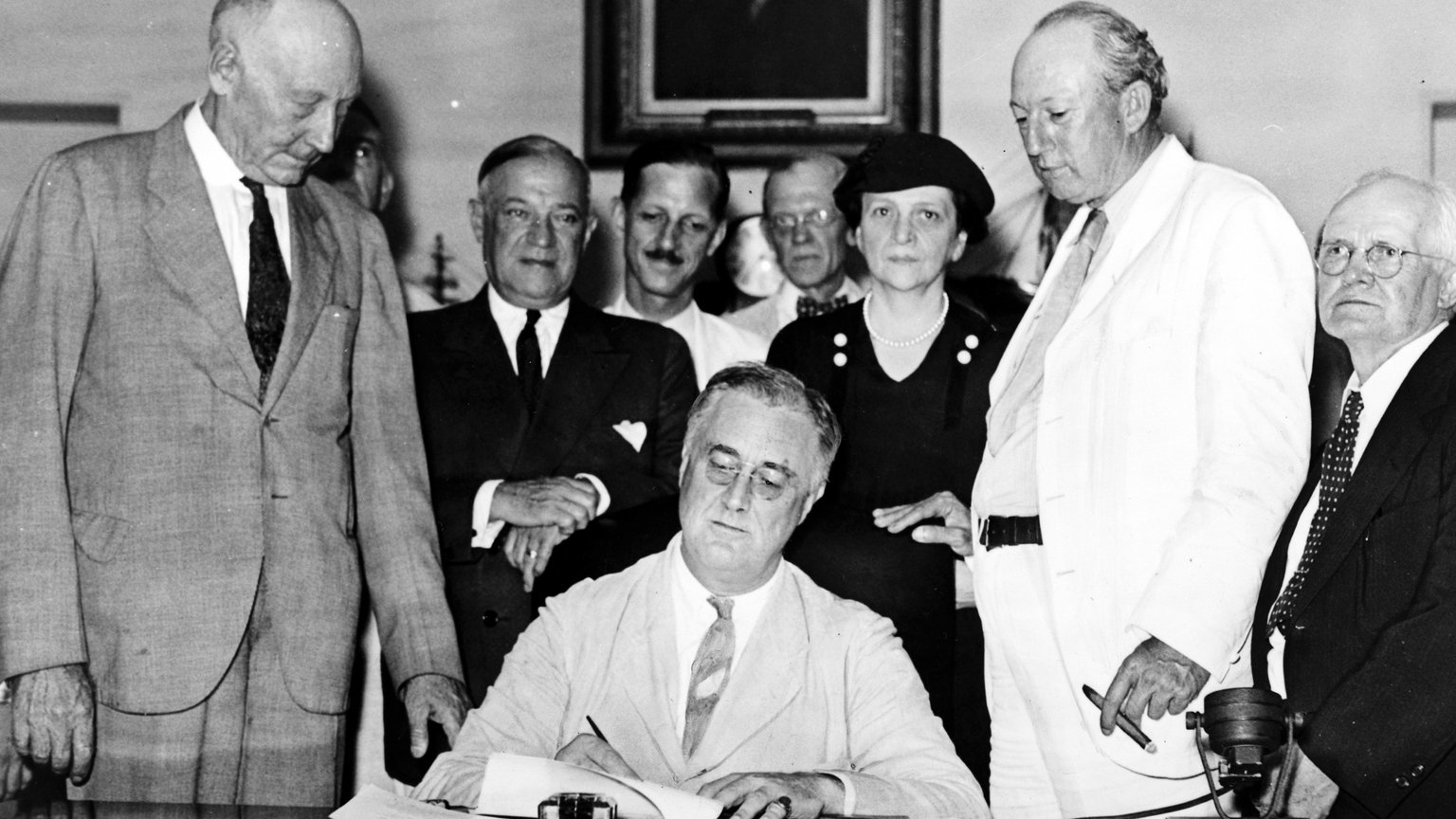
Sources: Social Security Administration, Update citizenship or immigration status, Documents you need for a Social Security card, Apply for your SSN while applying for immigration benefits, and EM-24013 (N-400 Enumeration Beyond Entry). Image: Social Security Administration, via Wikimedia Commons (public domain).
This post summarizes public government information for general education. It is not legal advice.